Tuesday, October 6, 2015

Notes on seminar 2

Chapter 13. Evaluations.
Its important to evaluate your work, both with yourself and with a user, so you get many different viewpoints. This helps to understand the users requirements, which takes time for the designers to find out what exactly these are. Things that limit evaluations are tight schedules, low budgets or limited access to users.

The DECIDE framework is a good one, a checklist.

· Determine the goals
Who wants it and why? Let the goals guide the evaluation.
· Explore the questions
Find the questions relevant to the goals, break them down in further questions. Continually ask why, why, why?
· Choose the evaluation methods
Finding the right method is important, so you don’t choose something that does not fit with the issue at hand, for example doing observations on the natural behavior of something, but in a controlled environment. If it’s not their natural habitat, their behavior will not be natural.

· Identify the practical issues
Its helpful to do a pilot study at first, to see the largest issues. Other questions to ask yourself is: is this the right people to participate, do we have the time or the budget for this, do we have the expertise needed?

· Decide how to deal with the ethical issues
Should the participants be anonym? How do we protect their information? Have they signed a consent form if we are to use their info? Have we been honest with them?

· Evaluate, analyze, interpret, and present the data.
Decide how reliable your data is, if its consistent or makes sense. Is the person you interviewed a reliable source? How valid was your evaluation method, now in hindsight? If it effects the environment, or if the environment effected your evaluation, is it relevant? Are we or any of our participants bias? Is that relevant?

Its common to not follow this strictly linearly, but rather jump back and forth, since reality is rarly this simple.
 Chapter 15 Evaluation: Inspections, analytics, and models
Deal with different kinds of evaluations.
Walkthroughs, a expert help the participant.
Heuristic evaluation: Factors like Visability of system status, how it corrilates to the real world, how much freedom do the user has, how good are the standards, is it consistent, how do we avoid errors, is it efficient to use, are important, and its also important to think about that the users should recognize things, minimalistic design, and give them good help.
You start a Heuristic evaluation with a briefing session so they know what to do, then you do the evaluation, where the expert does it first, then the evaluators do it, then finish with a defreafing season.
Cognitive walkthrough, you simulate the users problem solving in each step.
Pluarstic walktrhought.
Several evaluators take on different roles,
Questions for us: What model should we use, shall we follow the decide framework?


Notes on reading seminar 2 by Suhanyaa

Evaluation is an key part of the design process. While the design evolves, changes and developes throughout the iterations of the process, evaluation enables the team to ensure that the users needs are still met.
The main questions the evaluation process aims to answer are:

  • How well does the design satisfy the requirements
  • Does the design offer an appropriate user experience?


Chapter 13

In chapter 13, the authors present an evaluation framework, which aimes to help planning the evaluation studies. The presented framework DECIDE can be devided in 6 parts. Initially the high-level goals of the evaluation studies must be determined. By that the scope of the studies can be set, which helps to guide the evaluation. Secondly, questions, that should be answered by the evaluation, have to be formed. In the next step an evaluation methods has to be chosen. This depends not only on the questions formed and the context, but also on practical issues. Often a combination of diffrent methods can be chosen. Afterwards one has to identify practical issues, such as issues involving the participants, facilities and equipment needed, schedule and budget constraints or expertise needed to conduct and evaluate the studies. In the fifth step the evaluators have to decide on how to deal with any ethical issues that might arise during the evaluation process. In the final step the evaluation takes place. The design is evaluated and the resultsare analyzed, interpreted and presented. However during this process the evaluators must check, whether the gathered data is consistent, valid, whether it has ecological validity, whether the results are distorted and therefore biases occure and whether those are within the scope of the study. 


Chapter 15

In chapter 15 diffrent types of evaluation methods are presented. Methods presented are heuristic evaluations and diffrent types of walkthroughs as well as analytics. Both heuristic evaluation and walktroughs do not require the presence of the user, but can be conducted by experts. In analytics, however, the user interaction is secretely logged and analysed afterwards.  

Reading Seminar 2

Chapter 13 explains the key concepts of evaluation and how important it is for the design process. It brings up different types of evaluation methods including controlled settings involving users, natural settings involving users and any setting not involving users. There are pros and cons for each type and deciding which one to use depends on what you want to evaluate. Often combining two or more is the best way to go if you want to get a broad understanding of how the design process is going. Doing evaluation in the early stages of the design process where you are involving the users does seem to be a important point the book wants to make.

Chapter 13 also discusses how you need to be aware of the potential of misinterpreting the data once it is collected. This involves the reliability, validity and the possibility of biases towards the data or evaluation method. Making sure the data you collected is valid is obviously very important for the evaluation but still something that may be overlooked sometimes. Triangulating the data is a good method to make sure the data is valid and thus improving the evaluation process.

Chapter 15 discusses evaluation methods without  involving the users. One method is called Inspections where one form of it is called Heuristic evaluation where a expert conducts an evaluation guided by a set of usability principles called heuristics. The expert is meant to go through the interface to search for any interaction element that would not uphold the usability principles, fix them and do several more iterations.

Evaluation is a crucial part of the design process because it tells you if you are going in the right direction, if you have to adjust something before moving forward or simply start over again. How to conduct the evaluation is entirely dependent upon the specific project. Obviously it would be great to have 100 experts evaluating every step, but it would not be financially feasible. Evaluating with the help of users is most likely cheaper but then the data might have to be more analyzed. Finding the right balance is what appears to be the designers most important job.


Monday, October 5, 2015

Seminar 2

Seminar 2 MDI


Both chapters discussed different ways of gathering data about the users to improve ones interaction-product idea. Some methods didn’t include any data from the user.
Chapter 13, the complete proccess for planning and gather information about possible users, primarily with the DECIDE-framework. First, on has to determine the goals och the datagathering. It’s up to the developer to choose which methods to use, but he/she should have in mind that it influences the resultiong analysing. Secondly, the developer should think about is if the datagathering-method will give answers to what is questioned. The third step is to actually choose the method. The fourth is too critically analyse the result and see if it’s reliable. Fifth step is to discuss whether the proccess has been ethical. Finally you interpretate the data and do the final analysis. It’s important to know that you might have to go back and change different stages of the proccess and that other steps might be affected by this change. There are also different terms used to evaluate the different results, these are reliability, validity, ecological validity, biases and scope.


Chapter 15 was about methods do analyse interaction without involving any user. This could be used by pretending to be a user and structurally go through the technical device with a heuristic protocol as help. The protocol has several parts in which usability is deivided into. Therefore you can check which of these that the product satisfies.

Another method is to meassure very small subtasks, such as moving the cursor of the computer. Every small subtask is simplyfied to improve the experience doing the main task. There are also some formulas used to predict whether a task is easy to do, two examples of these are GOMS and KLM.

Seminar 2 notes (Fredrik Schmied)


Chapter 13:
Evaluation is about how well a projects requirements are met by the design.
The DECIDE framework is a proposed framework to structure planning for evaluation.
DECIDE framework checklist:
  1. Determine the goals
  • What are the goals of the evaluation? Who wants it and why? Goals guide the evaluation by helping to determine the goals.
  1. Explore the questions
  • Taking the goals of the evaluation in consideration, formulate related questions to explore a possible issue.
  1. Choose the evaluation method
  • Depending on what suits the situation best, choose a method of evaluation. Triangulation through multiple methods is sometimes the best solution.
  1. Identify the practical issues
  • Choose the participants appropriately
  • Make sure the facilities and equipment used is suitable for the evaluation study
  • Consider schedule and budget
  • Make sure the evaluation team has the expertise necessary to complete a proper evaluation
  1. Decide how to deal with the ethical issues
  • When dealing with people for an evaluation these following points help ensure it is done ethically:
    • Tell people the goals of the study and what to expect if they agree to participate
    • Be sure to clarify that anonymity is to be upheld.
    • Give participants the liberty to stop the evaluation whenever
    • Ask for permission in advance to quote participants.
  1. Evaluate, analyze, interpret, and present the data
  • Ask yourself the following:
    • Reliability: Will others using the same method get similar results?
    • Validity: Is the method measuring what is intended?
    • Ecological validity: Does the location change how the participants react and behave?
    • Biases: Are the evaluators being as objective as possible?
    • Scope: How much can the findings of the study be generalized?
This list is not meant necessarily be followed in the order presented, rather be iterated upon since decisions about some items might impact others.

Chapter 15
This chapter is about methods that are based on understanding users through knowledge codified in heuristics, remotely gathered data, or models that predict users’ performance.
Heuristic Evaluation is a usability inspection method for user-interface elements that was developed by Nielsen and his colleagues. They came up with a set of principles that should guide design projects in a usability perspective. These principles include: Visibility of system status, Match between system and the real world, User control and freedom, Consistency an Standards, Error prevention, Recognition rather than recall, Flexibility and efficiency of use, Aesthetic and minimalist design, Help users recognise, diagnose, and recover from errors, Help and documentation.
These principles are pretty self-explanatory and sometimes even intuitive yet crucial to ask yourself throughout the design process to catch potential flaws.
Alternative approach to heuristic evaluation is Walkthroughs.
Cognitive Walkthroughs - Involves simulating a user’s problem-solving process at each step in the human-computer dialog.
Pluralistic Walkthroughs - A sort of roleplay where evaluators take the role of a typical user.
The GOMS model (goals, operators, methods, selection rules) - An attempt to model the knowledge and cognitive processes involved when users interact with systems.
The Keystroke Level Model - Provides numerical predictions of user performance. A task can be compared in terms of the time it takes to perform them.

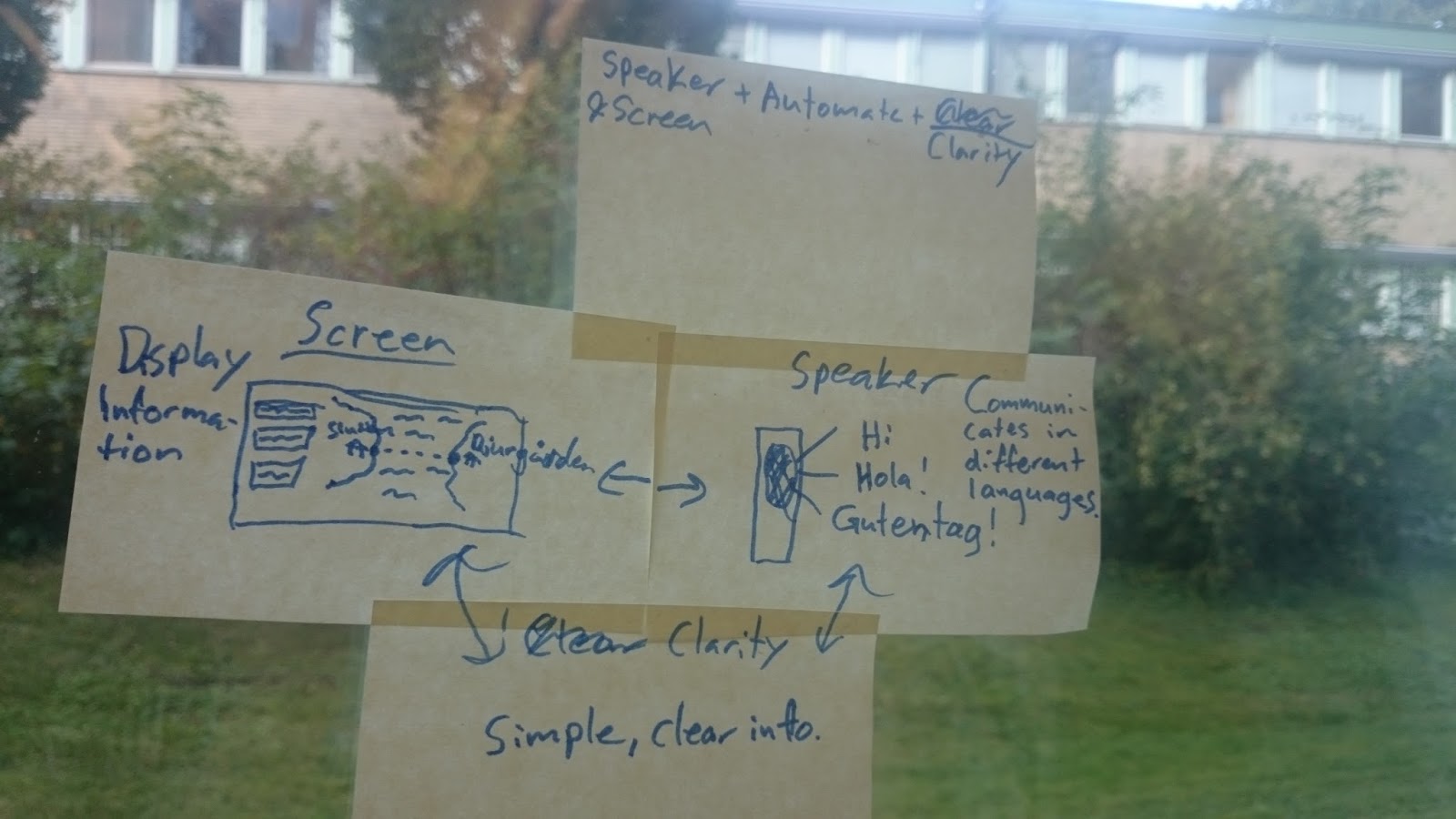
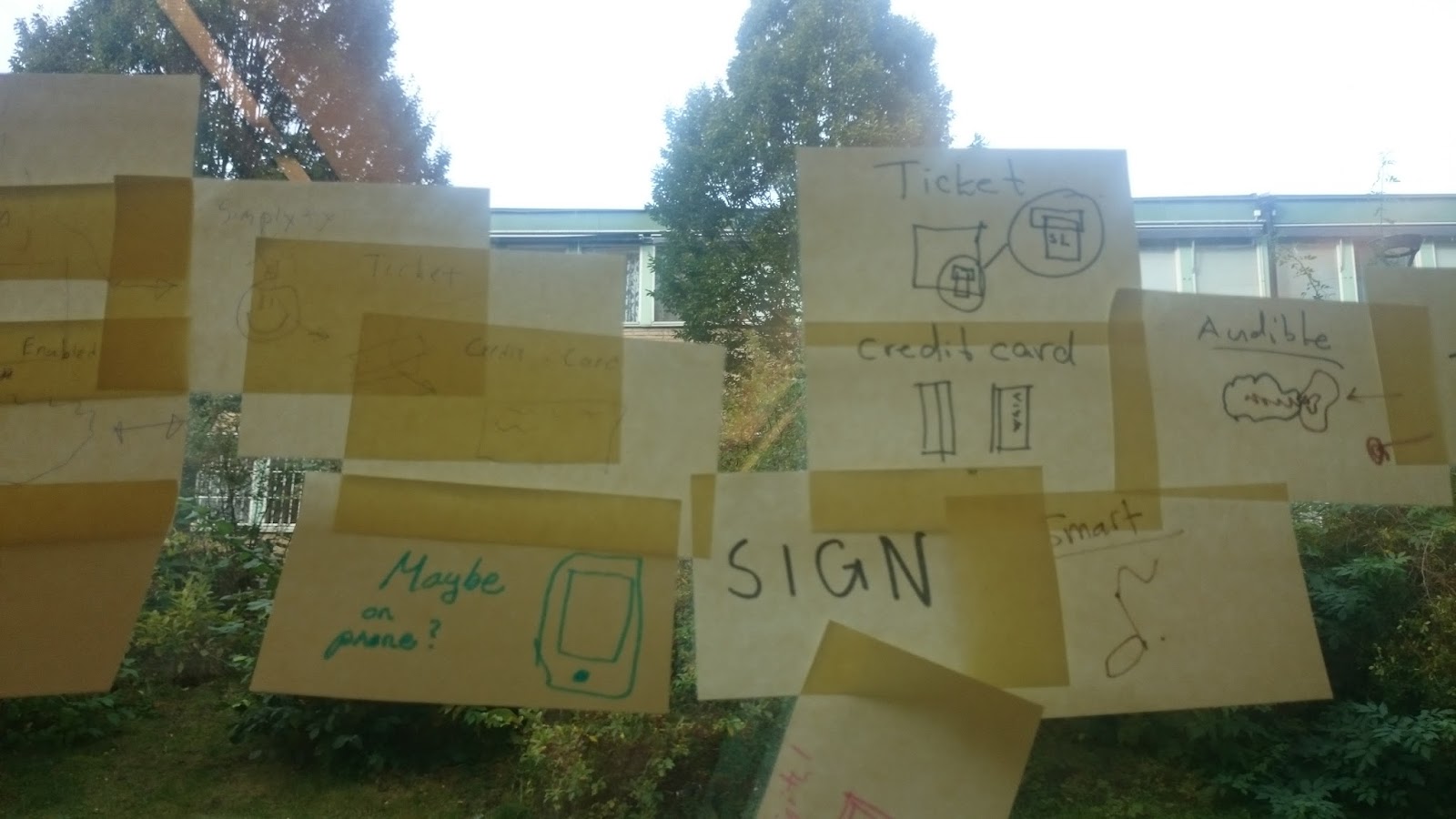
Brainstorming session pictures!


Thursday, October 1, 2015

Our two proposals after brainstorming


After brainstorming we arrived at five different ideas for our project.

1. Improved ticket machine with a map A->B and a bigger focus on tourists.
2. Stationary screen sign.
3. Mirror in hotel, which also can present directions similar to a screen.
4. A sign where you can see where the buses are.
5. Digital map that works like a physical fold-able map.

After more discussion we started thinking about the conceptual design for the project. We combined our brainstorming ideas and decided on two good idea. We combined idea 1 & 2 for our first idea and the second idea was idea 5.


So our two proposals are:

1. Improved ticket machine with ability to print a map with directions (and ferry/bus/trail stations).

The reasoning behind this is:
  • Users used physical maps to get about, but often needed to ask for directions.
  • Users stopped at stationary maps to try to plan their next route. 
  • Only some users used their phone to help with getting directions (google maps). 
Including a map of their current were about on ticket machines and click to where they want to travel and get directions in how to get there will solve these problems. An ability to print the directions (or a QR code to a generated route on google maps, though few users depended on their phone) will help the user to get around easier.

This would be distributed on a physical interfaces - a tourist information "sign" or in the SL ticket machines. This fits our initial ideas.
 

2. A digital map which functions similar to a physical map (fold-able)

The reasoning behind this is:
  • Users used physical maps to get about, but often needed to ask for directions.
  • Users sometimes used apps in their phone (Google maps)
A combination of these results in a map with fold-able digital material which works like a physical map, but is connected with your smartphone/gets data from a computer. In this way, you can see your current location, as well as your destination / points of interest, and still have the physical map experience.

This material can suit our needs:
http://www.digitaltrends.com/mobile/flexible-bending-tablet-screen/

This would be a new kind of "gadget" for people who travels a lot.